14 November 2026
Automating payments, deposits and invoicing: choosing a PMS in 2026
Compare payment workflows, deposits, invoicing and integrations before choosing a PMS. A practical checklist for accommodation managers.
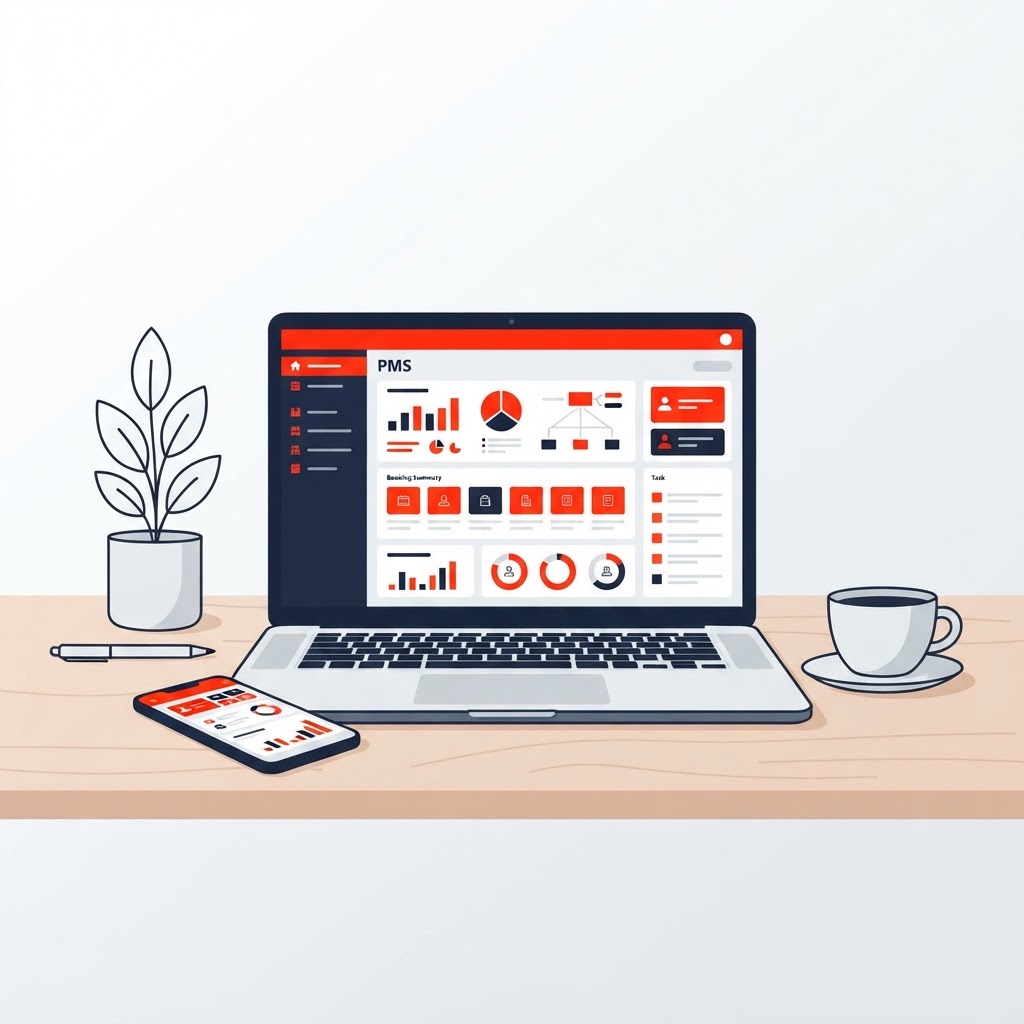
A PMS can reduce retyping and scattered payment records. The best system is not the one with the longest feature list, but the solution that fits your properties, booking channels and administration. Automation does not replace exception handling or make your business automatically compliant with tax and legal requirements.
Start with your payment workflow
Map out who collects each payment: you, a booking platform or a payment provider. A confirmed reservation is not the same as money received. Check how the system distinguishes an advance payment, balance payment, refund, platform payout and outstanding balance.
Prepare realistic examples for a demonstration: a direct booking, partial payment, cancellation and failed payment. Check that status changes are understandable and can be reconciled with the payment provider and your accounts.
Security deposits need clear rules
A collected security deposit and a card authorisation are different processes. Ask which method is supported, how long an authorisation remains valid and who reviews a release or deduction. Do not trigger a refund solely because the departure date has passed. Your terms, payment provider and damage-handling process must match the workflow.
Invoicing: from reservation to auditable records
- Check the invoice fields, numbering and tax settings your business requires.
- Test amendments, credit notes, partial refunds and corrections after cancellation.
- Ask which export or accounting integration is available and which data it actually transfers.
- Check how historical bookings and documents can be retained and retrieved.
An emailed PDF is not automatically a structured electronic invoice. E-invoicing requirements depend on factors such as country, business status and transaction type. France and Belgium have their own rules and exceptions. Consult the official information below and discuss your circumstances with your accountant. Do not assume a PMS supports an approved e-invoicing channel or Peppol without an additional integration.
Compare the complete solution
Alongside the subscription, consider setup, training, payment transactions, accounting integrations, support and data export when leaving. Separate payment and accounting tools may be suitable; an integrated PMS may bring information together. The right choice depends on your workflows and the integrations actually supported.
Ask each booking channel which data synchronises, in which direction and with what delay. Availability, rates, guest details and payment status are not necessarily all included. Test what happens when an integration is temporarily unavailable.
A focused EDICE - PMS demonstration
Review the EDICE - PMS features and discuss your payment and invoicing workflow in a demonstration. Confirm which functions, integrations and costs apply to your configuration. Ask to see your exceptions, not just a standard booking example.
Frequently asked questions
Can I migrate existing bookings?
This depends on the source system, available export and import options. Test a small representative sample and reconcile counts and amounts before switching.
Is a PMS enough for privacy and tax compliance?
No. Access rights, retention periods, processing agreements and correct configuration also need attention. Have your business requirements reviewed separately.
Where should I start?
Choose one labour-intensive process, document it and test the entire workflow. Expand once checks and responsibilities are clear.